Run reports
District and site-level administrators can generate reports on title insights, unclaimed classroom libraries, public-facing links, and classroom library summaries.
|
Notes:
|
To access a report:
- Log in to Destiny as a district or site-level administrator.
-
From the primary navigation bar, select
 > Classroom Library. The Classroom Directory page appears.
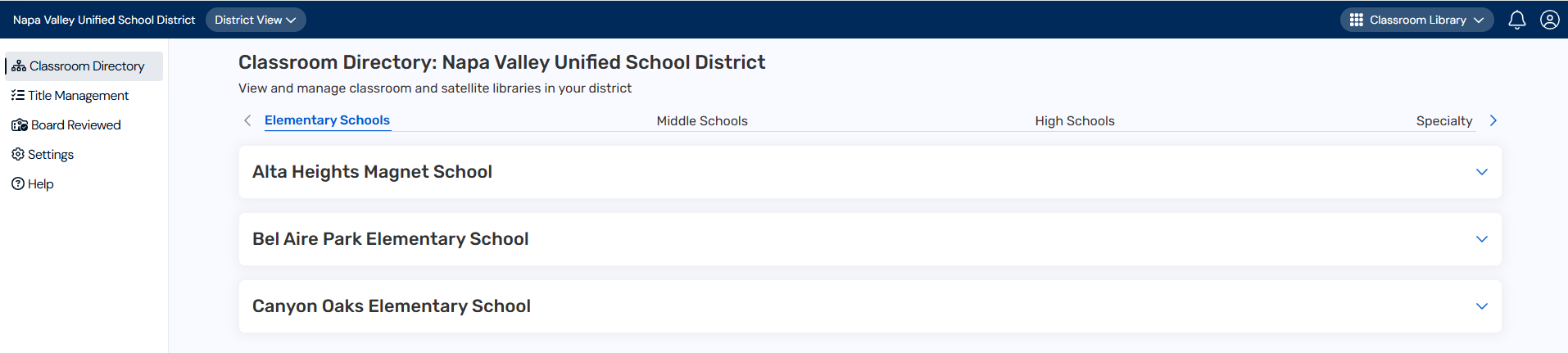
- From the sidebar, click Reports. The Reports page appears.

The following table describes the available reports:
| Report Name | Description | ||
|---|---|---|---|
| Title Insight Report |
See title-level data across all classroom libraries to gain insights into title usage and distribution.
In the Title Insight Report row, do any of the following:
|
||
| Unclaimed Classroom Library Report |
Identify teachers at your schools who have not yet claimed their classroom library. In the Unclaimed Classroom Library Report row, do any of the following:
|
||
| Public Facing Link Report |
View and share public-facing URLs for your school(s) and classroom libraries for users who don't have DCLM access. In the Public Facing Link Report row, do any of the following:
|
||
| Classroom Library Summary Report |
View details about your classroom libraries, including which libraries exist, who manages them, their grade levels, number of books, and recent activity. In the Classroom Library Summary Report row, do any of the following:
|
||
| All Reports |
Download multiple reports simultaneously as separate CSV files.
|
 .
. .
. . The CSV file downloads to your browser's Downloads folder.