Create funding sources
District-level administrators can create funding sources for teachers to assign to new titles.
|
Notes:
|
 next to that source when they add a title.
To create funding sources:
- Log in to Destiny as a district-level administrator.
- From the primary navigation bar, select
 > Classroom Library. The Classroom Directory page appears.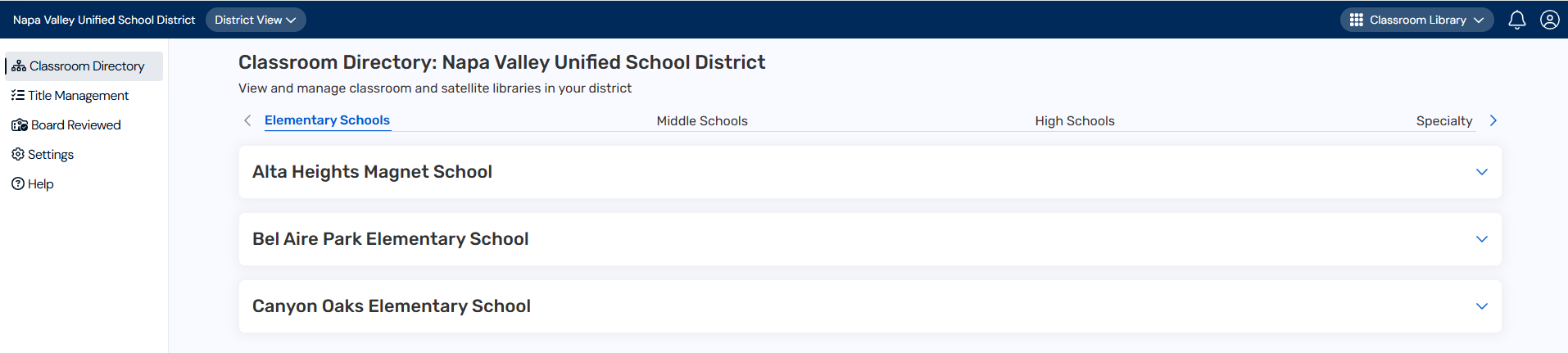
- From the sidebar, click Settings.
- In the Configure district-wide settings for sites and teachers row, click
 .
. - Under Funding Sources, enter a funding source in the field.

- Click Add.The funding source appears in the list.

- Repeat steps 5 and 6 for each funding source you want to add.
- To edit a funding source, click
 .
. - To delete a funding source, click
 . A message asks you to confirm. Deleting a funding source removes it from all titles it has been assigned to.
 - Teachers can assign funding sources when adding books.
|
Notes: |