Add funding sources
You can add a new funding source for your books, or delete an existing one.
- From the sidebar, click Settings.
- Under Funding Sources, enter a name in the Funding Source field.
- Click + to add the source to the list.
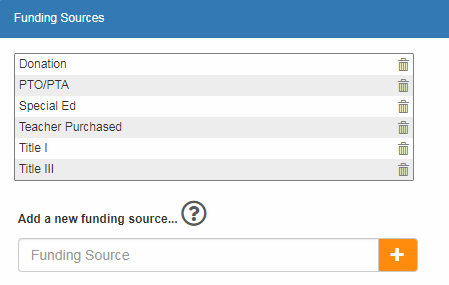
To delete a funding source:
|
Note: If funding sources are configured for your district, you cannot delete a funding source created by your District Administrator. Funding sources assigned by the district display the |
 icon.
icon.- Next to the funding source you want to delete, click
 .
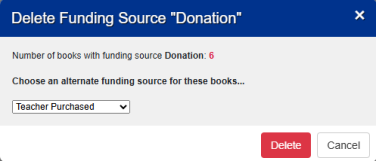
. - In the confirmation message, do one of the following:
- Click Delete to permanently remove the funding source.
- Click Cancel to exit.
Note: If funding sources are required, and titles are already associated with the funding source, you are prompted to move those titles to a different funding source before you can delete it.